Practical guide

How to Use Zhengdao’s Item Screening Assistant (Without Treating Candidates as a Control Decision)

Learn how to use Zhengdao’s item screening assistant—treat candidate families as leads, not a control decision. Not legal advice.

When you open Zhengdao’s item screening assistant, you are building a reviewable case record from a plain-language product or technology description—not finishing a control classification. You capture what you know, mark what is still missing, and receive candidate control families plus follow-up questions with decision value. Those candidates are leads for checking official text; they are not a clearance, prohibition or licence answer for your shipment. This page is literacy only, not legal advice.
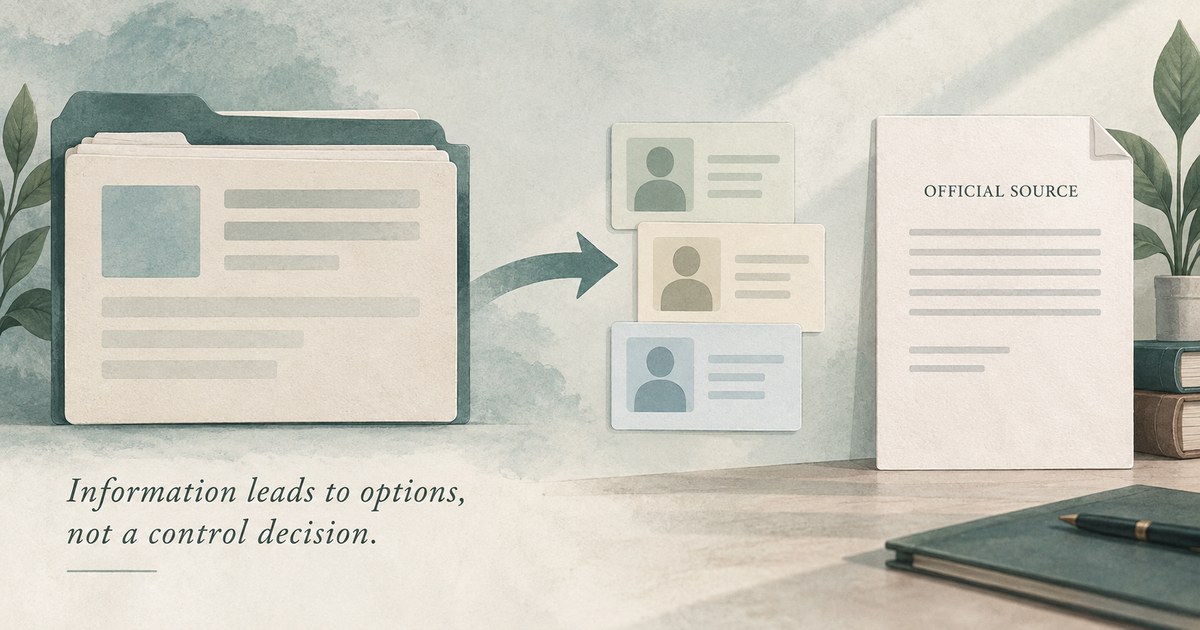
Schematic: case fields and missing facts lead to candidate verification — not a control decision

When you use item screening vs catalog search vs an item page

You open item screening when you can describe what the item is and what it does, but you still need a bounded candidate set and a list of missing facts before you trust any catalogue row. You use the catalog search hub when your first job is locating a known product or technology measure by name, CAS, control code or HS digits. You open an item page when you already have a candidate measure card and need section-level reading of that one entry.

You treat the three surfaces as one workflow with different moments. First you may screen to turn incomplete facts into questions and candidate families. Then you may search the catalog or open a specific item page. You still verify the Chinese official text, compare scope for your transaction date and escalate when the workbench cannot answer your shipment question. For the catalog search method itself, keep How to Use Zhengdao’s China Import–Export Control Catalog (Without Over-Reading a Match) once; this article does not rewrite that hub walkthrough.

Build the case record—required fields and honest unknowns

You start under Build the case record. Live tool copy says to begin with the two required fields and that unknown facts are allowed—the output will tell you exactly what to ask next. You fill Product or technology name and What is it and what does it do? first. You then add what you already know from the optional blocks: trade direction (export of goods, import of goods, or technology transfer / technical data), destination country or region, known identifiers, operating principle and key parameters, and end-use, end-user and integrated platform.

You refuse to invent parameters just to look complete. A defensible screen depends on identity, technical thresholds, route, use and user—not a keyword alone. If a field is unknown, you leave it unknown so the follow-up list can name the gap for engineering, sales, the supplier, customer or end-user. Local-first behaviour on the live page means case details stay in your browser and are not submitted or stored by this tool; you still treat the session as orientation work, not as an archived determination.
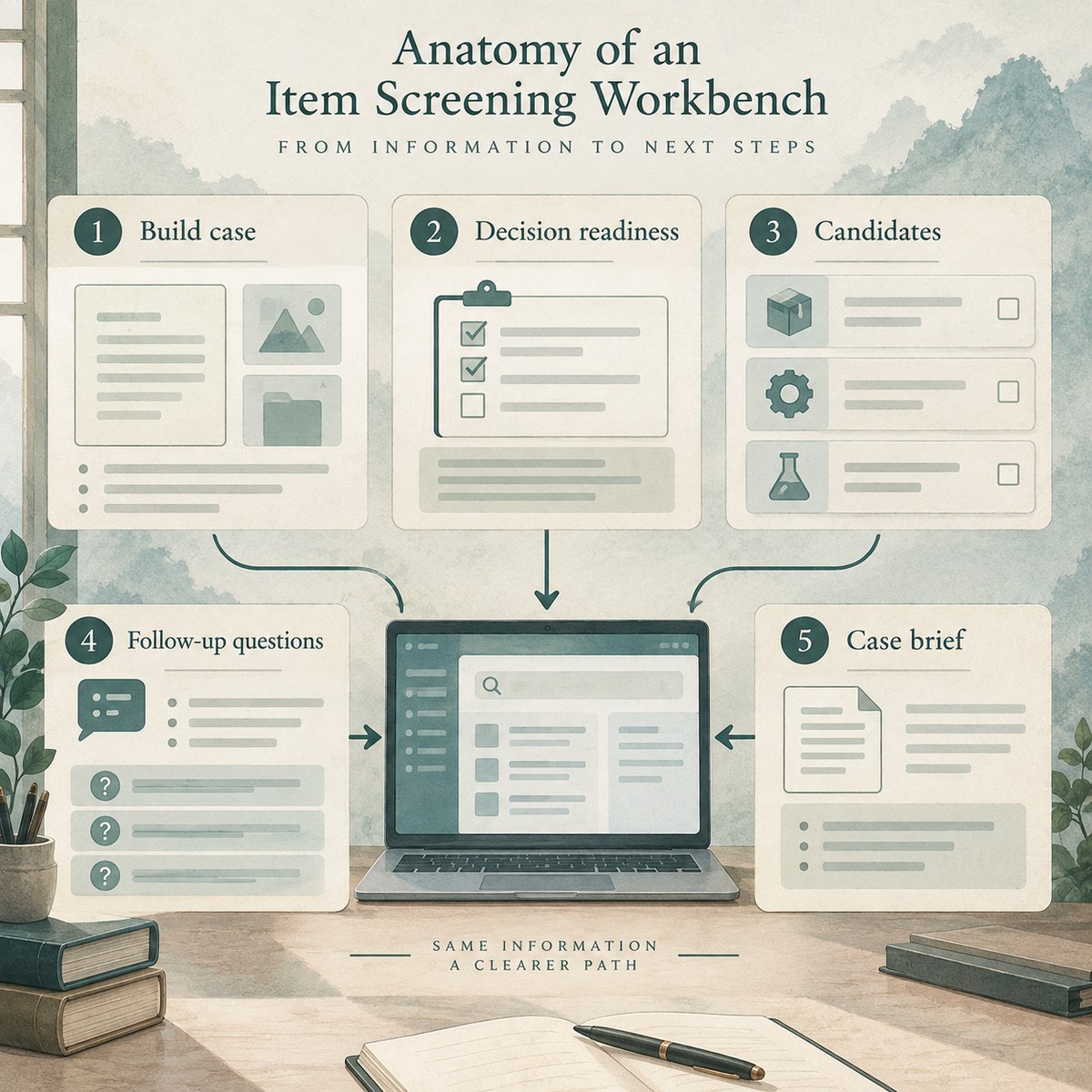
Schematic of item screening: build case, decision readiness, candidates, follow-up questions, case brief

Decision readiness and the screening result

You read Decision readiness as the evidence chain the tool expects you to assemble over time: item identity (name, model or identifier); function and principle; technical thresholds that decide scope; transaction route (direction and destination); and use and user (end-use, end-user and platform). You start with the item name and its function, then you let missing thresholds or route facts become explicit asks rather than silent assumptions.

Under Screening result, you treat the panels as a hand-off package. Ask these next converts uncertainty into specific requests. Evidence completeness shows how thin or thick your case still is. Candidate entries to verify shows only the most relevant candidate families—leads for checking the official text, not final determinations. You can copy a case brief or add missing facts and re-run; either way, you keep known facts, open questions and candidate sources together so the next reviewer can reproduce the reasoning.

Three useful outputs—and why candidates are not a decision

A useful first screen on the live page should deliver three things: a bounded candidate set grouped by control family; questions with decision value; and a hand-off record. You inspect the few entries that deserve verification first—not a wall of keyword hits. You open the official text for those leads, then you compare complete item description, technical notes, exclusions, destination scope and any later adjustments with your real goods or technology facts.

You likewise refuse to treat a candidate set as a finished “controlled / uncontrolled / licensed” answer. Live boundary language states that the result is a screening lead, not a classification or legal opinion; a match requires verification; and no match never means the item is uncontrolled. Catalogue index last verified and content-updated stamps on the live page can change—your audit trail should show which official text you opened for which date. Keep Editorial and regulatory verification policy nearby when you need Zhengdao’s sourcing and “not legal advice” boundary in one place.

If your confusion is specifically customs tariff identifiers versus dual-use or other control codes, open HS Codes vs Control Codes: When Tariff Lookup Is Not Enough once. If you already have a catalogue row and need card anatomy instead of a workbench loop, leave this article for the catalog hub or an item page rather than forcing item screening to answer a different question.
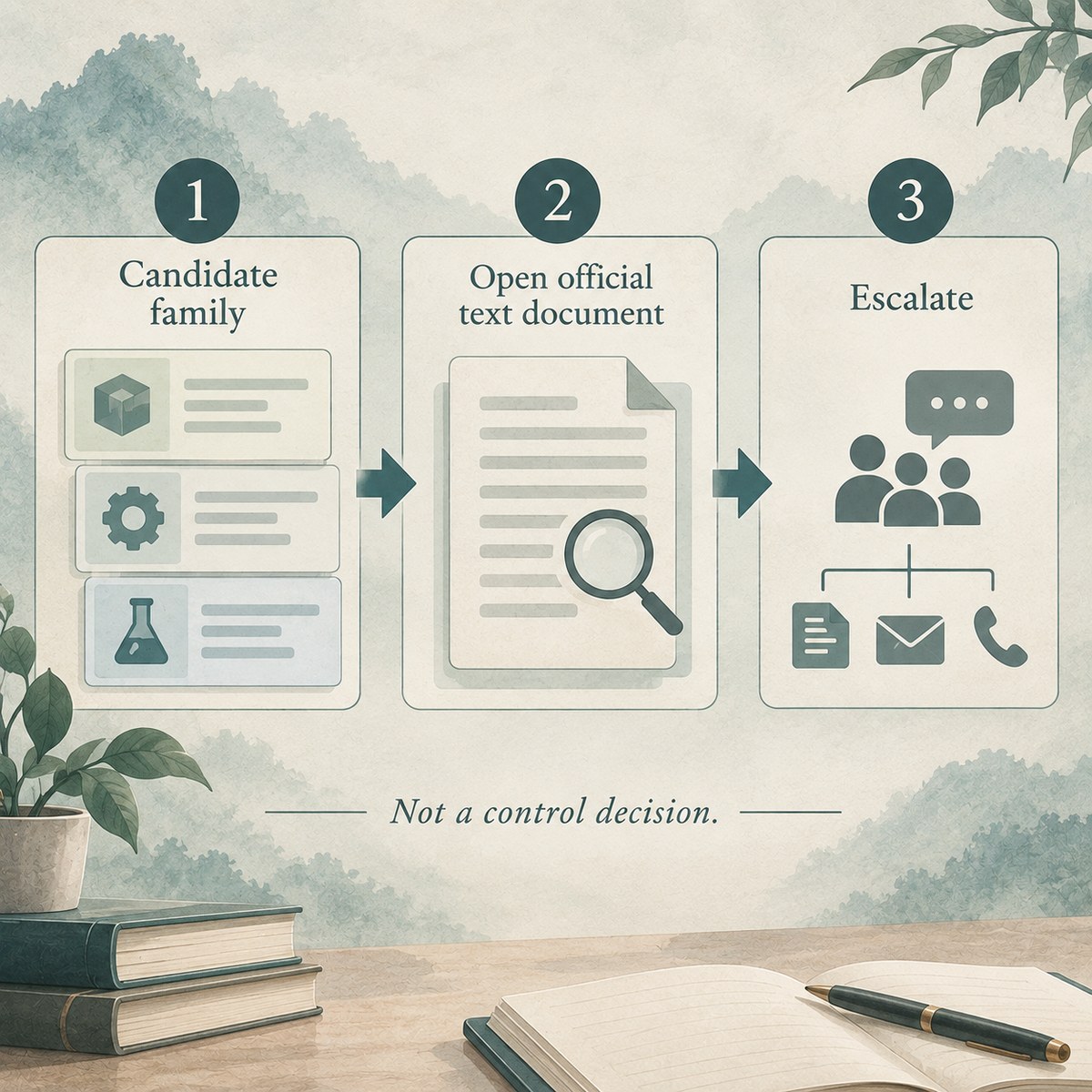
Flow: candidate family → still open official text / escalate — not a control decision

Frequently asked questions

What is Zhengdao’s item screening assistant for?

You use the assistant to turn a plain-language product or technology description into a reviewable screening record: candidate control families, decisive follow-up questions and a brief for the next reviewer. The live page’s job is to help you find missing facts before you decide control status. It does not issue a classification, clearance, prohibition or licence outcome for your shipment. You still verify official text and escalate when the case needs a judgment the tool cannot give.

When should you use item screening instead of catalog search?

You use item screening when you can describe the item but still need missing-fact questions and a bounded candidate set. You use catalog search when you already have a name, CAS, control code or HS digits and mainly need a measure row. Those moments stay complementary. You may later open Does your product or technology appear in a China import/export-control catalogue? with stronger identifiers—without treating either step as finished.

Which fields matter most at the start?

You begin with the product or technology name and a clear function description, because identity and function frame every later threshold question. You then add trade direction, destination, known identifiers, operating principle, key parameters and end-use details when you have them. Unknowns are allowed; inventing numbers to look complete is not. The workbench is useful when it names the next ask, not when it pretends the case is finished.

How should you read candidate families and follow-up questions?

You treat candidate families as the small set of control-entry leads worth opening first in the official text. You treat follow-up questions as decision-value requests for engineering, sales, suppliers, customers or end-users. Live copy says candidates are leads for checking the official text, not final determinations. Your next reviewer should be able to see known facts, open questions and candidate sources in one brief.

Why is a candidate set not a control decision?

You matched incomplete facts to a bounded set of catalogue leads; that only shows which official texts deserve verification next. Clearance, prohibition and licensing still depend on complete official scope, status on your date, item facts, route and end use—often with qualified advice. Live boundary language says the result is a screening lead, not a classification or legal opinion, and that no match never means uncontrolled. Your candidates are a starting map, not a finished answer.

When should you leave the item-screening workbench?

You stay when your question is how to build a case, read readiness and handle candidate leads with humility. You leave for catalog search when you mainly need hub method. You leave for the HS-vs article when the confusion is identifier systems rather than missing-fact screening. You leave for an item page when you already have one measure card to read. Escalate when your case needs a judgment these pages cannot give.

Open the workbench—then verify official text with humility

When you are ready to turn an incomplete description into a reviewable case brief—and to treat every candidate as a lead rather than a decision—open Find the missing facts before you decide the control status. and keep humility beside you. You use Zhengdao’s item screening assistant to organise known facts, missing asks and candidate families, not to finish a control determination. Orient, open the official text, then escalate when needed.


Sources

This article is general compliance information and does not constitute legal advice; regulations are governed by the current official text.

Practical verification checklist

Scope · evidence · decision trail

Use the steps below to review this page. Verify the complete official text before making a decision. Seek qualified advice when needed.

  1. Define the decision

    State the exact decision, owner, deadline, trade direction and required evidence. Do this before you search.

  2. Identify every party

    Confirm each legal name and alias. Check registration, ownership, control, intermediaries, carriers, banks and beneficial owners.

  3. Describe the item

    Record the item’s function, operating principle, material, model and performance. Include software, technology, accessories and decisive parameters.

  4. Check classification

    Treat customs and export-control classification as separate tasks. Keep the facts, assumptions and reasoning for each result.

  5. Map the route

    Confirm origin, departure, destination and transit points. Include re-export, remote access, technology transfer and each delivery path.

  6. Verify end use

    Identify the stated purpose and real operating environment. Check integration, sensitive sectors, military links and prohibited uses.

  7. Verify end users

    Check the purchaser, consignee, end user, operator and parent company. Identify anyone who can redirect or control the item.

  8. Read the complete source

    Treat a search result as a lead. Read the official scope, definitions, notes, exclusions, annexes and licence conditions.

  9. Check current measures

    Use the version effective on the transaction date. Review later notices, temporary controls, destination measures and policy changes.

  10. Test exceptions carefully

    Prove every condition before using an exception or exemption. Apply the same rule to licence facilitation and general authorisations.

  11. Resolve contradictions

    Pause when names, codes, documents, routes, prices or explanations conflict. Obtain evidence instead of filling gaps with assumptions.

  12. Escalate uncertainty

    Send unresolved questions to the compliance owner or a qualified adviser. This includes classification, ownership, use, destination and licensing.

  13. Keep an audit trail

    Keep source links, files, checksums, screenshots, search terms and results. Record the reviewer, approvals and final reasoning.

  14. Schedule re-checks

    Set a new review date for open transactions. Re-check changing parties, destinations, specifications, official lists and licences.