Practical guide

How to Use Zhengdao’s Counterparty Screening (China + Global Lists in One Box — Without Treating a Match as a Decision)

Learn how to use Zhengdao’s counterparty screening—keep China and foreign-file results separate; a match is not a decision. Not legal advice.

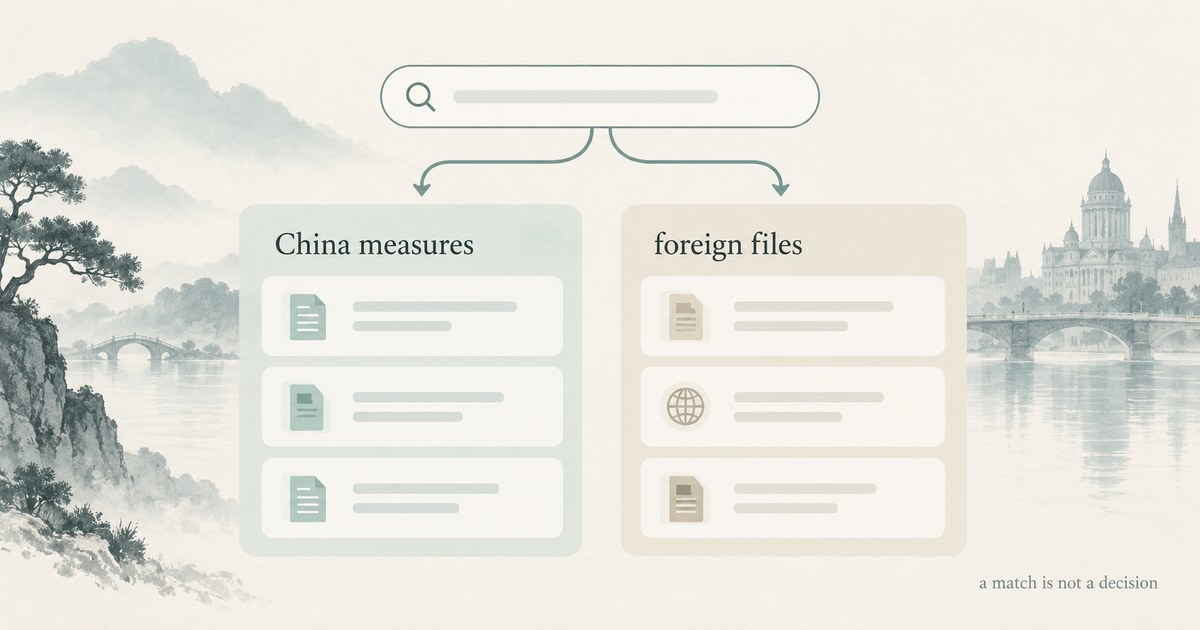
Schematic: one search box feeds two separate list columns — a match is not a decision

Zhengdao’s counterparty screening searches China measures lists and 14 official foreign files in one box while keeping results separate by dataset. A match is a lead that names its authority and source file; no match is not clearance. This is workbench literacy for a first party screen—not a merged “global entity,” a transaction decision or legal advice. Always re-read coverage stamps on the live page you open.

When you use entity screening vs the China lists hub vs sanctions vs item screening

You open entity screening when your first job is one entry point for China measures lists and the foreign official files the site mirrors, with results kept side by side. You open the China lists hub when you mainly need China export-control and countermeasure notices—paste a name or domain and follow a China notice lead. You open the global sanctions surface when you already know you are working only inside the foreign-file mirror. You use item screening when the question is about a product or technology description and missing facts—not about a party name.

You treat these as different moments in one compliance workflow. Entity screening answers “start a party screen across both datasets without pretending they share fields.” The China-lists how-to answers “how to screen on Zhengdao’s China lists without over-reading a hit.” Sanctions answers “browse or search the foreign-file database.” Item screening answers a catalogue-control question. Keep How to Screen a Counterparty on Zhengdao’s China Export-Control Lists (Without Over-Reading a Hit) once for the China-only hub walkthrough; this article does not rewrite that page.

Scope picker and what you type (local-first)

You start on the live workbench under Counterparty list screening. The page puts one search box in front of two datasets: China measures lists (export-control control list, watch list, unreliable entity list, countermeasure list) and 14 official foreign files from US BIS, the UN, OFAC, the UK, the EU, Canada, Switzerland, among others. You can narrow scope when you already know which lane matters, or leave both open when you need a first pass across both.

On the China side, matching covers names, aliases, the organization stated in the notice, website domains and email suffixes, and states which field matched. Foreign files match on the name fields those official files expose. Live tool copy says search runs in this browser and what you type is not sent to a server. You still treat the session as orientation work, not as an archived determination or a firm’s system of record.

You refuse to invent a legal name just to force a hit. Prefer the exact party string you have, then try known aliases, domains or email suffixes when China-side coverage may help. A similar name is not the same party; you read whatever notice or file the hit points to in context.

Why results stay side by side
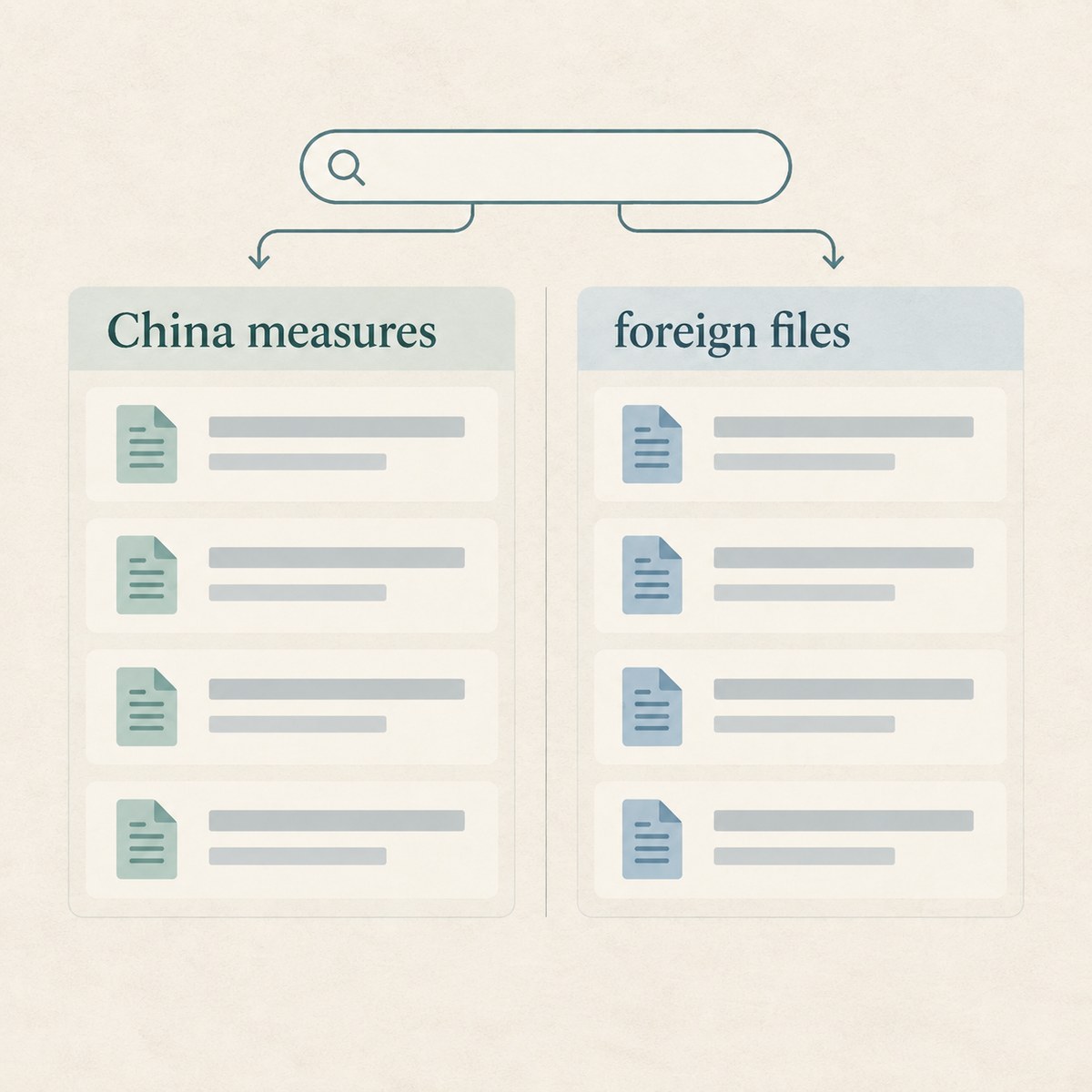
Schematic: China measures list results stay separate from official foreign-file results

One box does not mean you get one merged determination. The live page explains that the two datasets use different fields, statuses and official domains, so your results stay separate. Every hit you see states which dataset it came from, which authority published it and which file it was verified against. China measures notices come from MOFCOM, the unreliable entity list working mechanism and the Ministry of Foreign Affairs, with status rolled up as in force, suspended or repealed. The foreign lane keeps each file’s own record id and measure label across the current official mirrors.

You therefore never collapse a China hit and a foreign-file hit into one “global entity card.” Shared spelling across regimes is a coincidence until you verify identity, ownership, control and the official text for each source. Live coverage on the tool (re-check when you open it) has disclosed China measures 426 entities (verified through 2026-08-22) and 14 official foreign files with 61,251 records (snapshot built 2026-09-19 16:58:23 (UTC+8))—stamps move; your notes should record which page stamp you read.

After a hit — China path vs foreign-file path

A match is a lead, not this site’s determination that a transaction must stop. Live boundary language also states that no match does not rule out other lists, ownership rules, sectoral bans or licence requirements. You read authority, source file and dataset first, then you continue in the dataset that owns the record.

When the hit sits in China measures, you open the China lists path to read the notice lead and verification context—start from Paste a name or email domain. Find the party behind it. when you need the China hub itself. When the hit sits in a foreign official file, you continue in the sanctions mirror—Global sanctions list database—and open the underlying official file the card names. In both lanes you escalate when identity, ownership, end use, end user or licence questions exceed what a screening lead can answer.

Boundaries and a practical checklist

You keep humility beside every screen. Confirm each legal name and alias; check registration, ownership, control, intermediaries, carriers, banks and beneficial owners when the case needs it. Verify end use and end users against your real transaction facts. Open the complete official text for the date that matters. Seek qualified advice when the workbench cannot answer your shipment question. Live tool boundary language is clear: the site provides general compliance information, not legal advice.
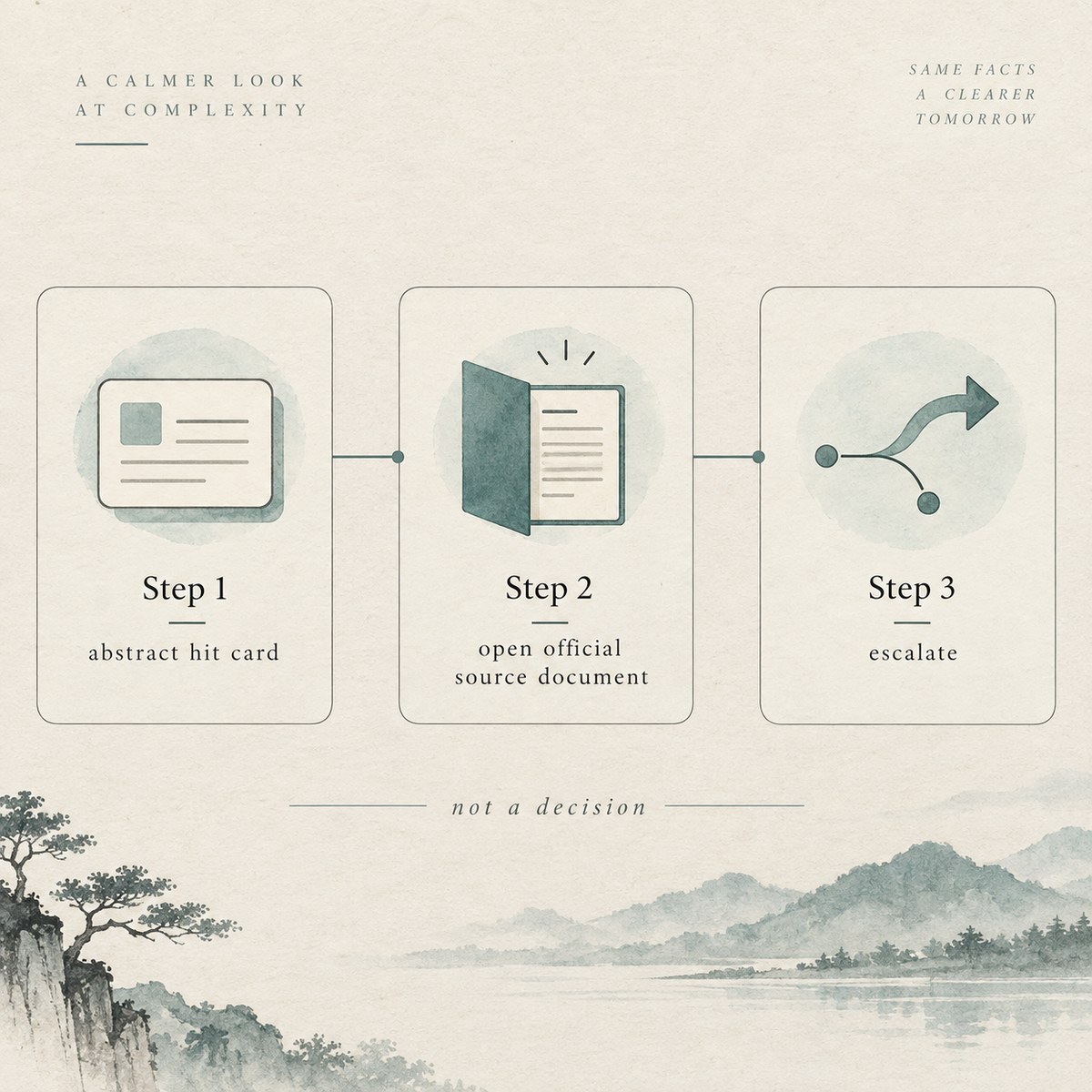
Flow: screening hit → open official source / escalate — not a transaction decision

Keep Editorial and regulatory verification policy nearby when you need Zhengdao’s sourcing, revision and “not legal advice” boundary in one place. Coverage stamps, record counts and file sets on the live screening page can change; do not treat a past screenshot as today’s clearance story.

Frequently asked questions

What is Zhengdao’s counterparty (entity) screening for?

You use it to search China measures lists and 14 official foreign files from one entry while keeping results separate by dataset. Each hit should name its issuing authority and source file so you can open the right official text next. The live page’s job is orientation and lead generation, not a stop/clear determination for your transaction. You still verify official sources and escalate when the case needs a judgment the tool cannot give.

When should you use entity screening instead of the China lists hub or sanctions?

You use entity screening when you want one box across both datasets and are willing to read two separate result lanes. You use the China lists hub when your question is China notices only. You use the sanctions database when you already know you are working only inside the foreign-file mirror. Those surfaces stay complementary. You do not merge their hits into one party story just because the names look similar.

What inputs work, and what stays local?

You can type a party name and, on the China side, often aliases, website domains and email suffixes; the tool states which field matched when it can. Foreign files match on the name fields those official lists expose. Live copy says search runs in the browser and what you type is not sent to a server. You still treat the session as screening literacy, not as your firm’s permanent audit archive.

How should you read a hit without over-reading it?

You read dataset, authority and source file first—then you open that official notice or list file in context. A match is a lead for verification, not a Zhengdao ruling that you must stop. A similar name is not automatically the same party. Your next reviewer should see which dataset produced the hit and which official text you opened for which coverage stamp.

What does no match not prove?

No match on this workbench does not clear the party against other lists, ownership or control rules, sectoral measures or licence requirements outside the datasets on the page. It also does not prove that every alias, domain or transliteration was tried. Live language states that no match is not clearance. You treat a quiet result as “nothing in these indexed files under the strings you tried,” not as permission to ship.

When should you leave the entity-screening workbench?

You stay when your question is how to run one box across China measures and foreign files, keep results separate and treat hits as leads. You leave for the China lists hub when you need China-notice literacy only, and for the sanctions database when you are deep in foreign-file records. You leave for item screening when the question is product or technology control status. Escalate when identity, ownership, end use or licensing needs a judgment these pages cannot give.

Open the workbench—then verify official text with humility

When you are ready to screen a counterparty across China measures lists and the 14 official foreign files—and to treat every match as a lead rather than a decision—open Counterparty list screening and keep humility beside you. You use Zhengdao’s counterparty screening to organise separate dataset leads and source pointers, not to finish a transaction determination. Orient, open the official text, then escalate when needed.


Sources

This article is general compliance information and does not constitute legal advice; regulations are governed by the current official text.

Practical verification checklist

Scope · evidence · decision trail

Use the steps below to review this page. Verify the complete official text before making a decision. Seek qualified advice when needed.

  1. Define the decision

    State the exact decision, owner, deadline, trade direction and required evidence. Do this before you search.

  2. Identify every party

    Confirm each legal name and alias. Check registration, ownership, control, intermediaries, carriers, banks and beneficial owners.

  3. Describe the item

    Record the item’s function, operating principle, material, model and performance. Include software, technology, accessories and decisive parameters.

  4. Check classification

    Treat customs and export-control classification as separate tasks. Keep the facts, assumptions and reasoning for each result.

  5. Map the route

    Confirm origin, departure, destination and transit points. Include re-export, remote access, technology transfer and each delivery path.

  6. Verify end use

    Identify the stated purpose and real operating environment. Check integration, sensitive sectors, military links and prohibited uses.

  7. Verify end users

    Check the purchaser, consignee, end user, operator and parent company. Identify anyone who can redirect or control the item.

  8. Read the complete source

    Treat a search result as a lead. Read the official scope, definitions, notes, exclusions, annexes and licence conditions.

  9. Check current measures

    Use the version effective on the transaction date. Review later notices, temporary controls, destination measures and policy changes.

  10. Test exceptions carefully

    Prove every condition before using an exception or exemption. Apply the same rule to licence facilitation and general authorisations.

  11. Resolve contradictions

    Pause when names, codes, documents, routes, prices or explanations conflict. Obtain evidence instead of filling gaps with assumptions.

  12. Escalate uncertainty

    Send unresolved questions to the compliance owner or a qualified adviser. This includes classification, ownership, use, destination and licensing.

  13. Keep an audit trail

    Keep source links, files, checksums, screenshots, search terms and results. Record the reviewer, approvals and final reasoning.

  14. Schedule re-checks

    Set a new review date for open transactions. Re-check changing parties, destinations, specifications, official lists and licences.